We are SUPA excited about today’s video. When we first heard about Supacolor transfers, we were excited to give them a try. The promise of great colors, durability and ease […]
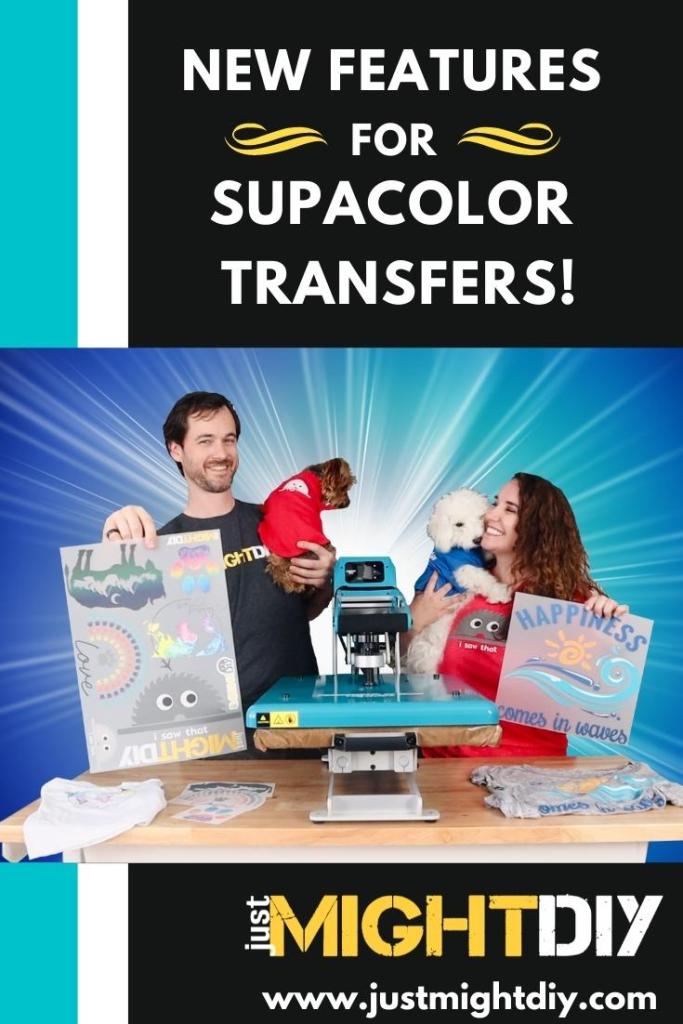
We are SUPA excited about today’s video. When we first heard about Supacolor transfers, we were excited to give them a try. The promise of great colors, durability and ease of use were certainly intriguing. But we had no idea at the outset how much we’d end up loving them! And with two new options – a powerful online designer where you can create Supacolor transfer designs from scratch on the Pro World website, as well as the new Gang Sheets–there are more reasons than ever to give these awesome transfers a try.
In this tutorial, we show you how easy it is to use Pro World’s online designer before moving on to the Gang Sheets, which let you “gang” multiple designs on a single 11.7 x 16.5″ sheet. You can either upload your own designs or use the design tools on the gang sheet as well. We round it out with showing you how easy it is to press these transfers on t-shirts.
Learn All About These New Supacolor Options in the Tutorial Below!
We are a participant in a few affiliate and influencer programs, which means that we earn a commission when you use our links. You don’t pay anything extra; we just get credit for referring you! Here’s a few of the programs we participate in: Amazon Services LLC, Cricut, Design Bundles, Etsy, Heat Press Nation, Home Depot, Johnson Plastics Plus, Michael’s, Pro World, and more. For more details and a complete list, see our Affiliate Disclosure Page.
We are a member of a few affiliate and/or influencer programs, which means that we earn a commission when you click on certain links or use our codes. You don’t pay anything extra for the items you buy; we just get credit for referring you!



 Just Might DIY